
How to Record a Local News Video
For internal use only. 9/26 please note there are several apps, and they are always changing. Contact Marketing or the Regional Tech Trainer if you have Questions.
Record, Edit, and Publish Your Reel (The Final Hand-Off)
Once you have your fresh 45-second script generated by Gemini (from your weekly local news engine), take it straight to your mobile phone and follow these exact steps:
1. Prepare and Record in the Edits App
Open the App:
Open the Edits app (Meta's free video creation and editing hub) on your phone.Set up the Teleprompter:
Tap the create/camera icon, look at the sidebar toolbar, and tap the Teleprompter icon (which looks like a small rectangle with horizontal lines).Paste the Script:
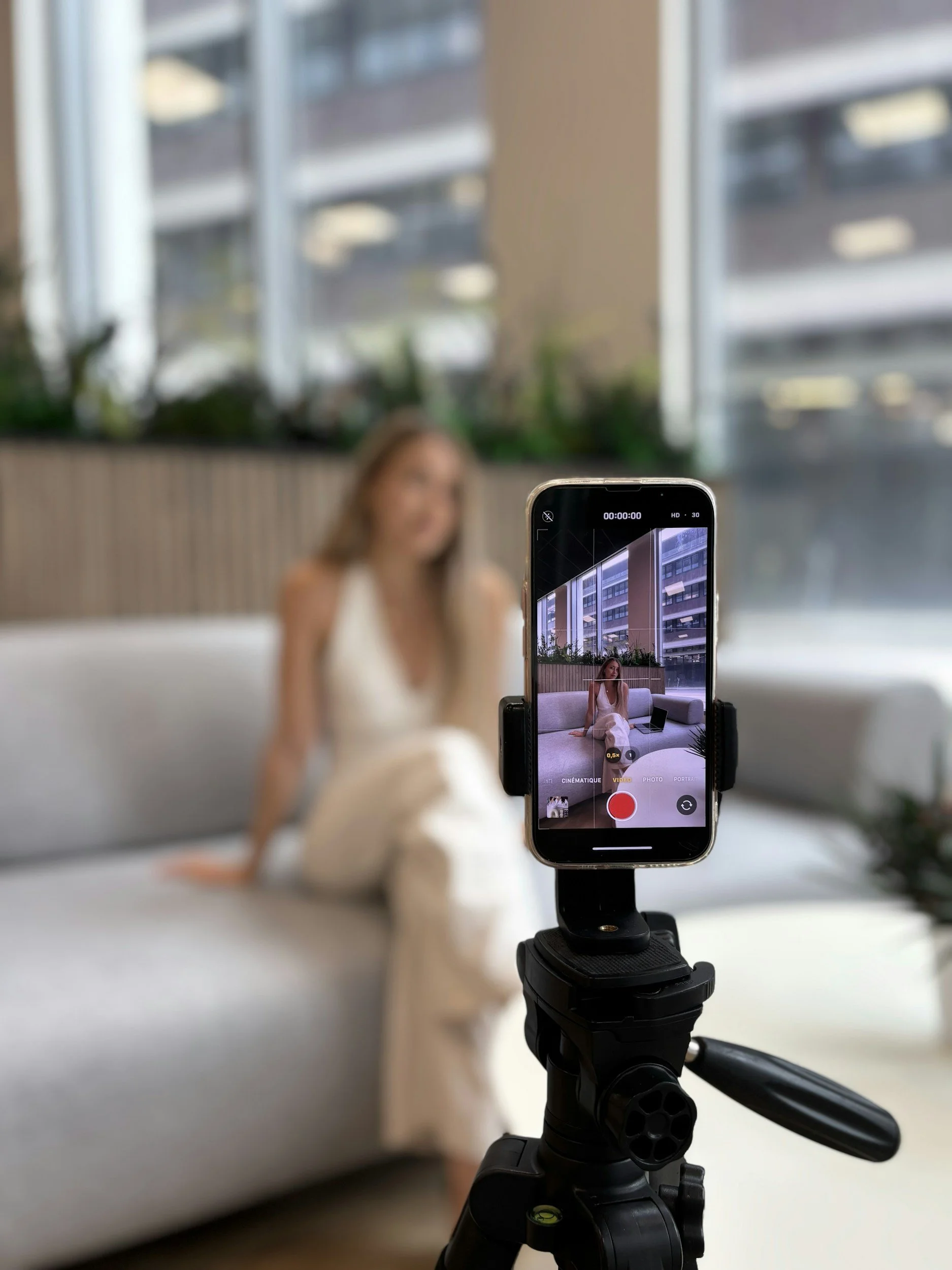
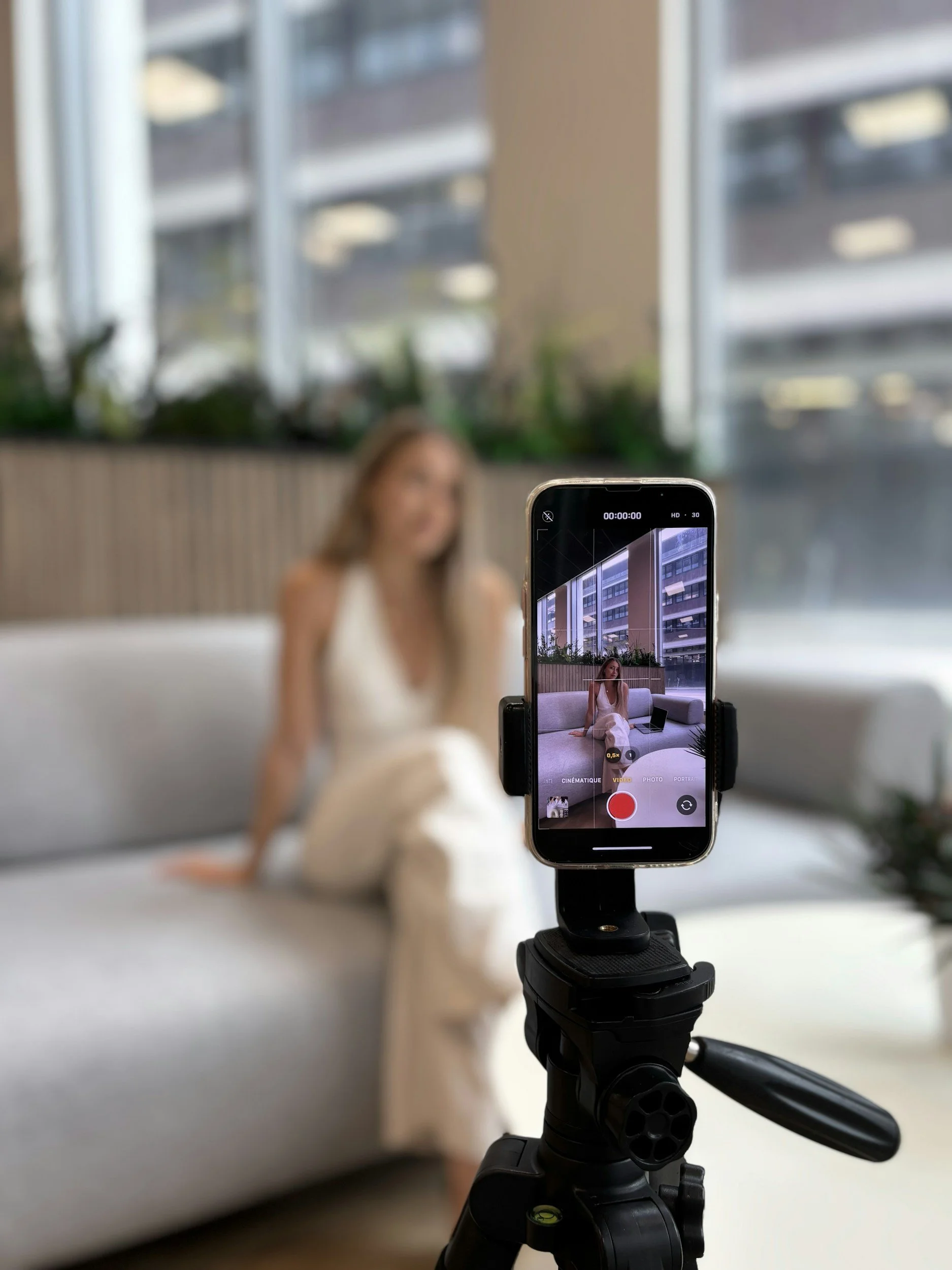
Paste your Gemini-generated script into the text box. Pro tip: Break long sentences into short paragraphs so the text scrolls naturally while you maintain eye contact with the camera lens.Record: Hit record and read the scrolling script in 9:16 portrait mode. You can record it in sections (hook, body, CTA) if that feels easier.
2. Edit and Enhance Your Video
Trim and Polish: Use the timeline editor to trim out dead air, awkward pauses, or filler words so the final video is punchy (between 30 and 60 seconds).
Turn on Auto-Captions: Enable auto-captions so viewers can watch your video even with the sound off.
Add Music: Switch your Instagram profile to a Creator account to unlock the full licensed audio library. Drop in a trending track at a low volume (around 5–10% background volume) to boost algorithm discovery.
3. Publish Across Platforms (Zero Extra Effort)
Write the Caption: Paste your Gemini-generated social media caption (which includes your hook, summary, takeaway, and Call to Action).
The Power Toggle ("Also Share on Facebook"): Before hitting post, make sure you toggle on "Also Share on Facebook." This single step instantly pushes your Reel to your Facebook page as well, doubling your reach with zero extra work.
Add Local Tags & Collabs: Tag Pasadena, CA (or your specific neighborhood) as the location, and use Collab posts or
@mentionsif you partnered with a local lender, title rep, or business to double your organic audience.




In TCPA Compliant way of course!!
KW Outfront, edited by Robert Schmolze, KW Realty Pasadena